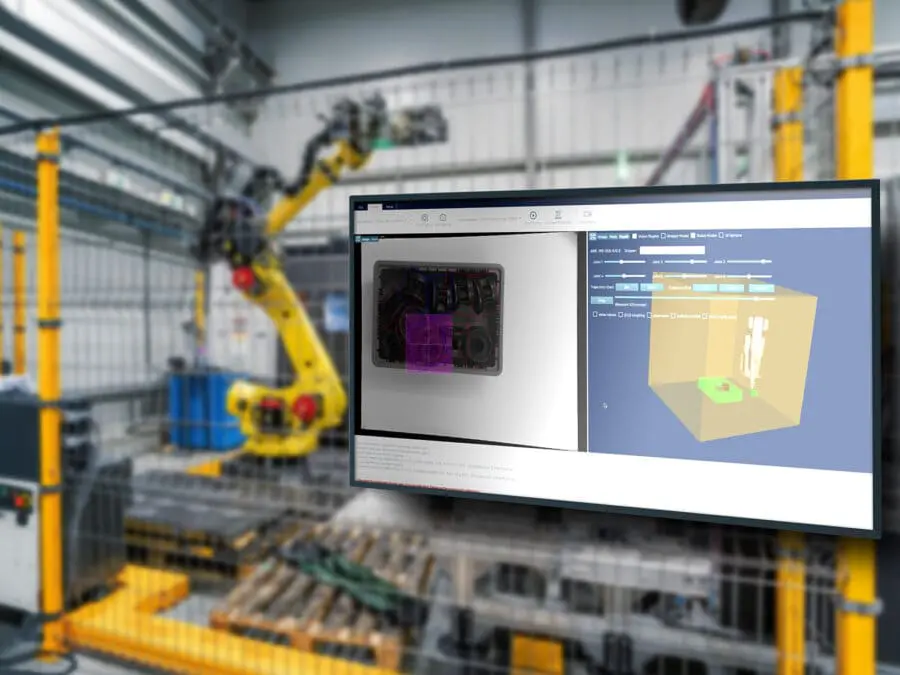
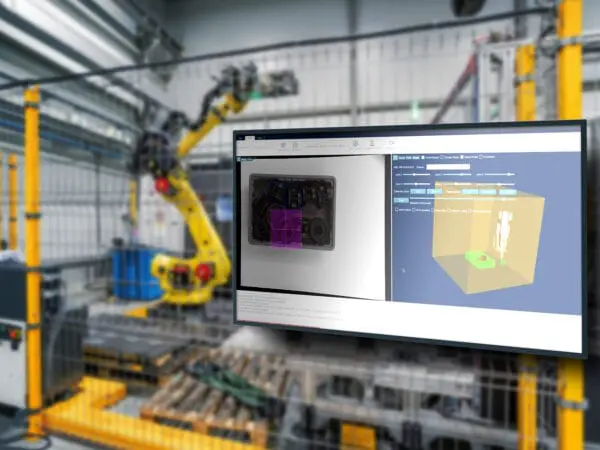
Apera Forge is a web-based AI simulation and training environment that helps you lower risk in vision-guided robot projects. You can build and simulate robotic cells in hours. And you don’t need any hardware—just a web browser and an internet connection.
Apera Forge helps you make sure.
What does Apera Forge promise?
Apera Forge drastically reduces the time and risks involved with developing vision-guided robotic cells for bin picking, de-racking, and material handling.
Without any cameras, computers, robots or hardware, you can develop cells and send them for AI vision training. Within 24 hours, the vision program can be deployed into real production cells using Apera Vue software.
Vision + robotics combined
Achieve in hours what used to take days.
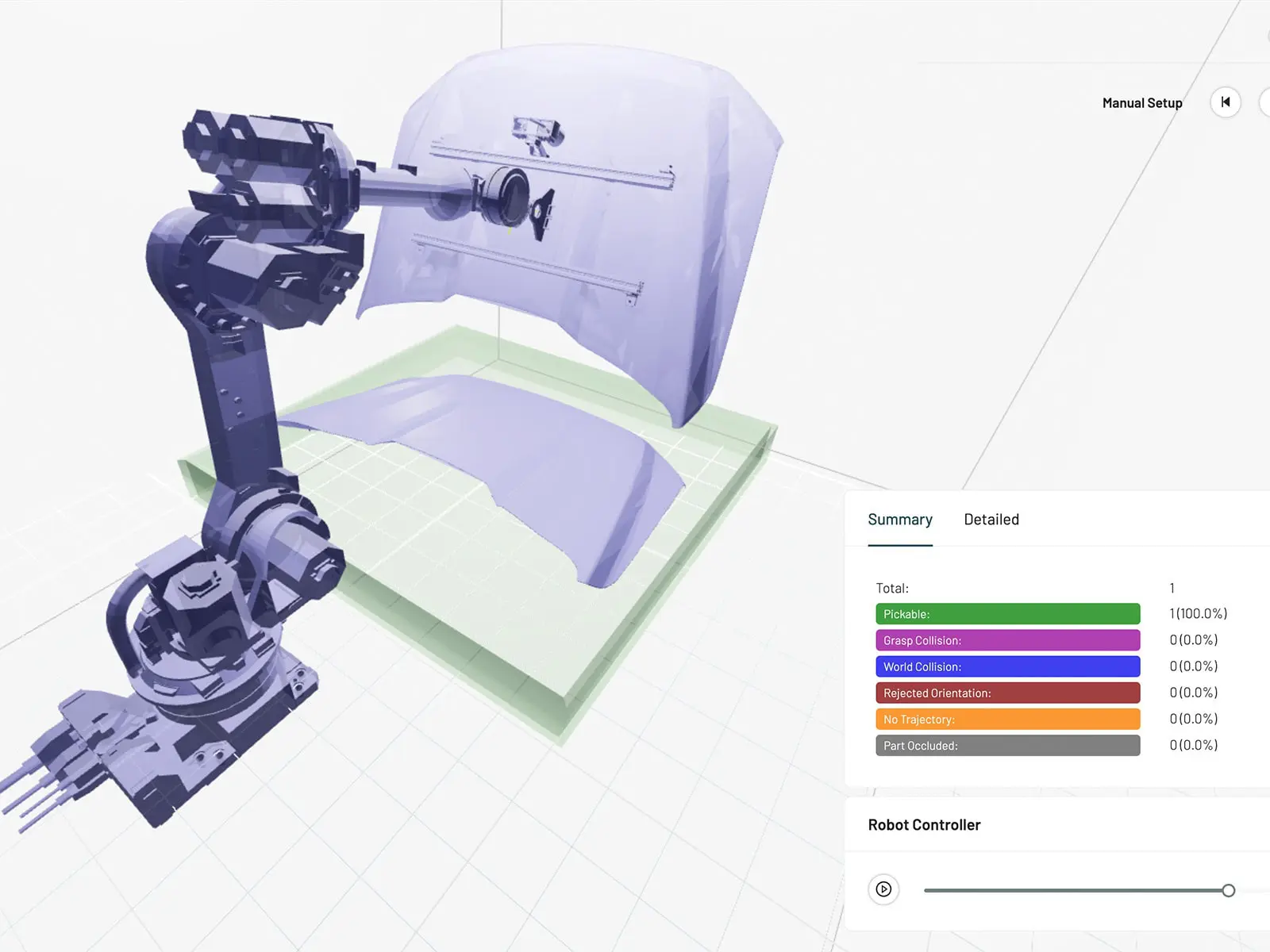
Apera Forge guides you step-by-step through all the components in building a vision-guided robotic cell. When your cell is built, being able to run hundreds of simulations quickly enables you to check and improve your design. Find and solve challenging edge problems through full random and structured simulations.
Then adjust your design for the best results. You have already done the work ahead of cell deployment and the choices translate directly into Apera’s Vue vision software. Vue delivers the speed, reliability and lighting resiliency that production environments demand.
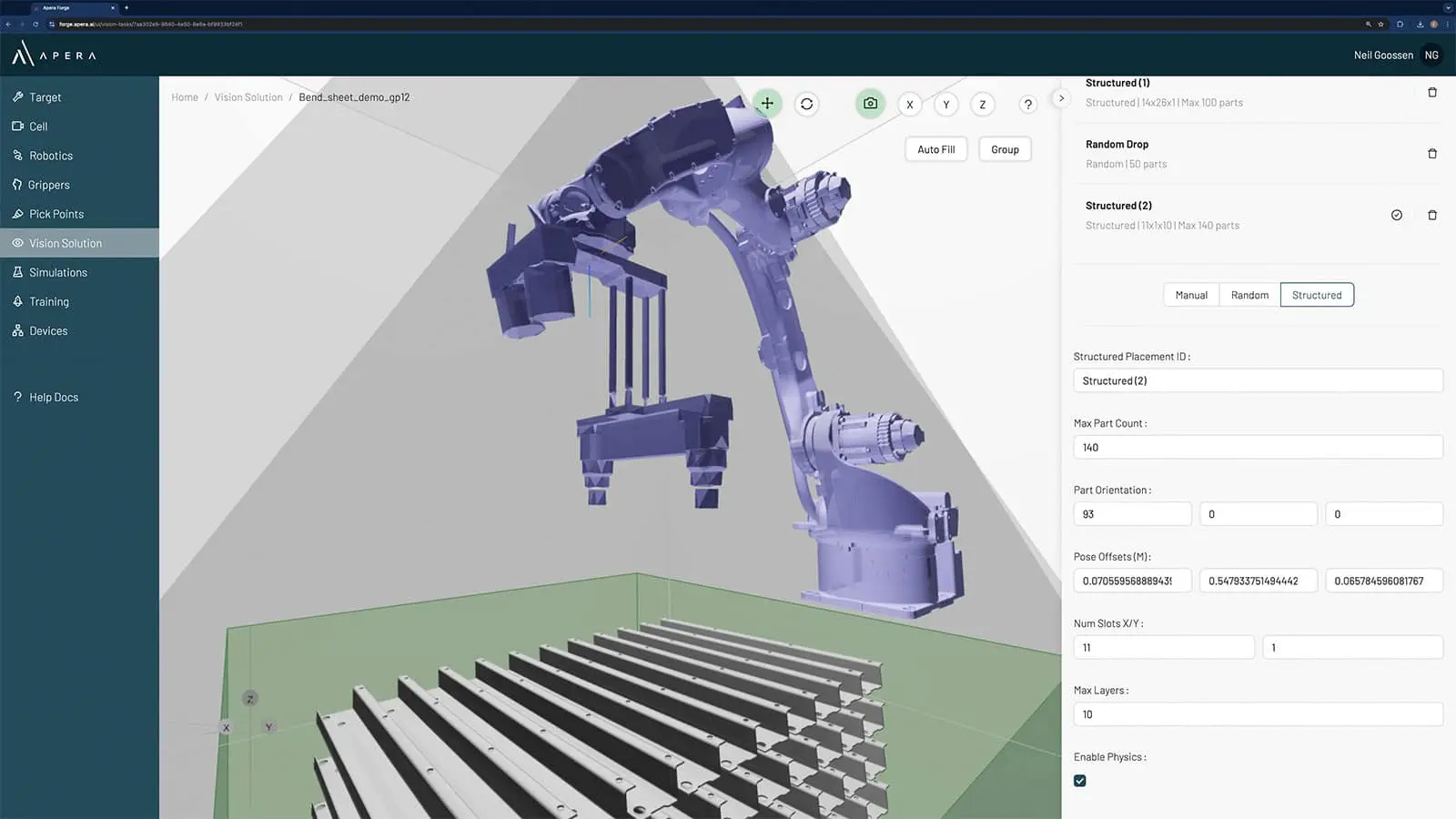
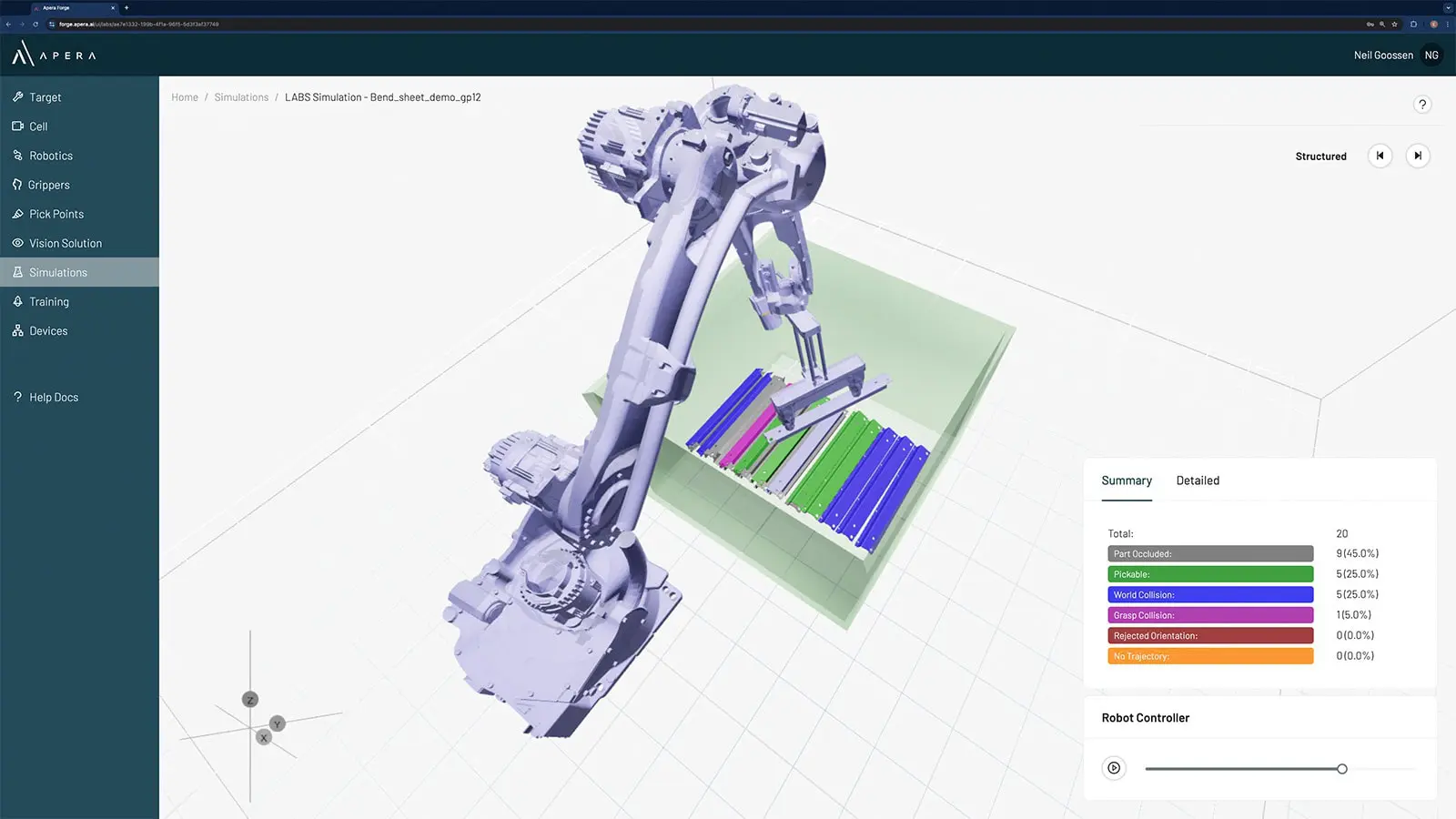
Apera Forge guides your robotic cell building process
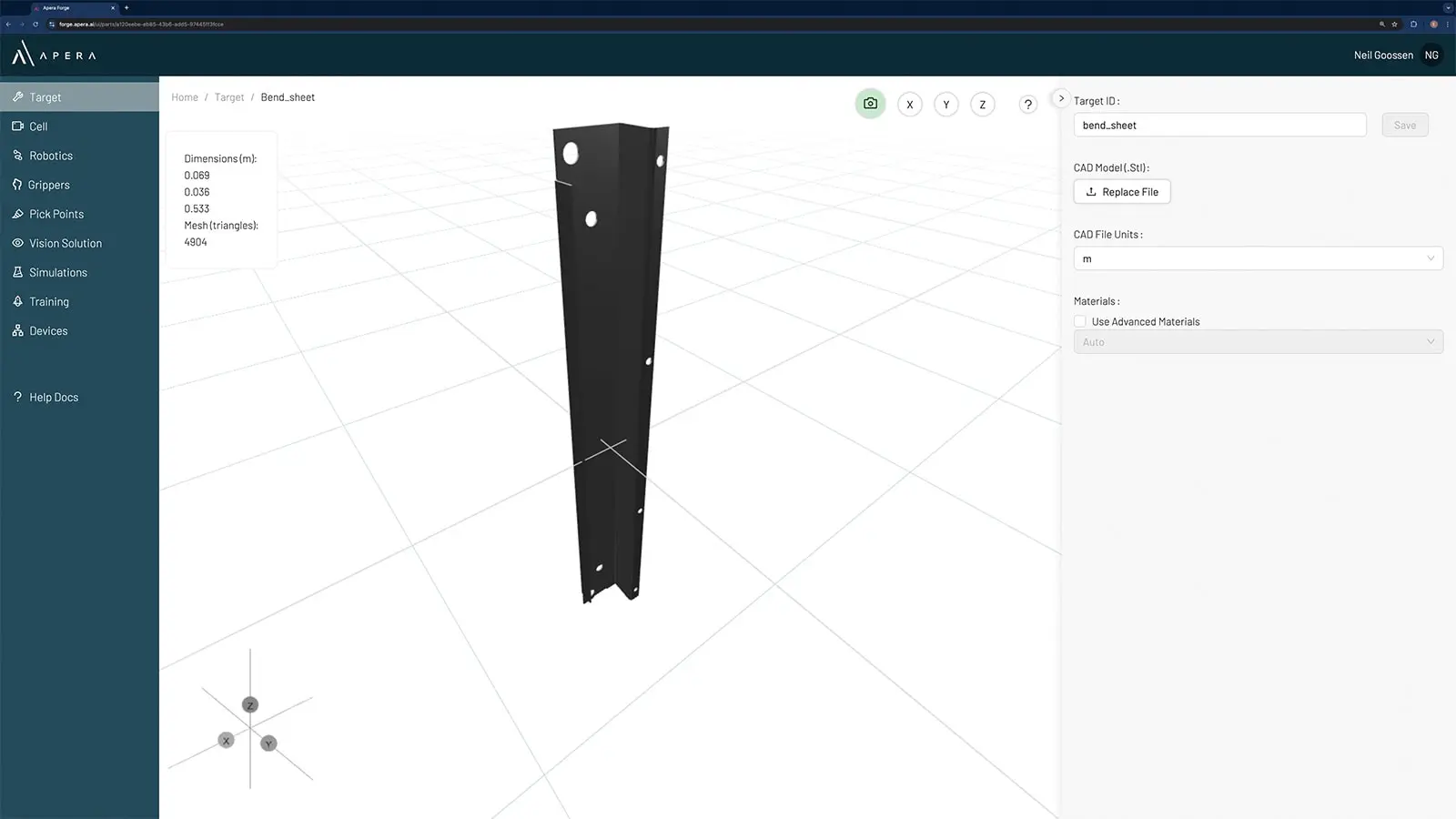
Set up your part
The Target module is where you will set up your part, which involves uploading a CAD model.
Build your cell
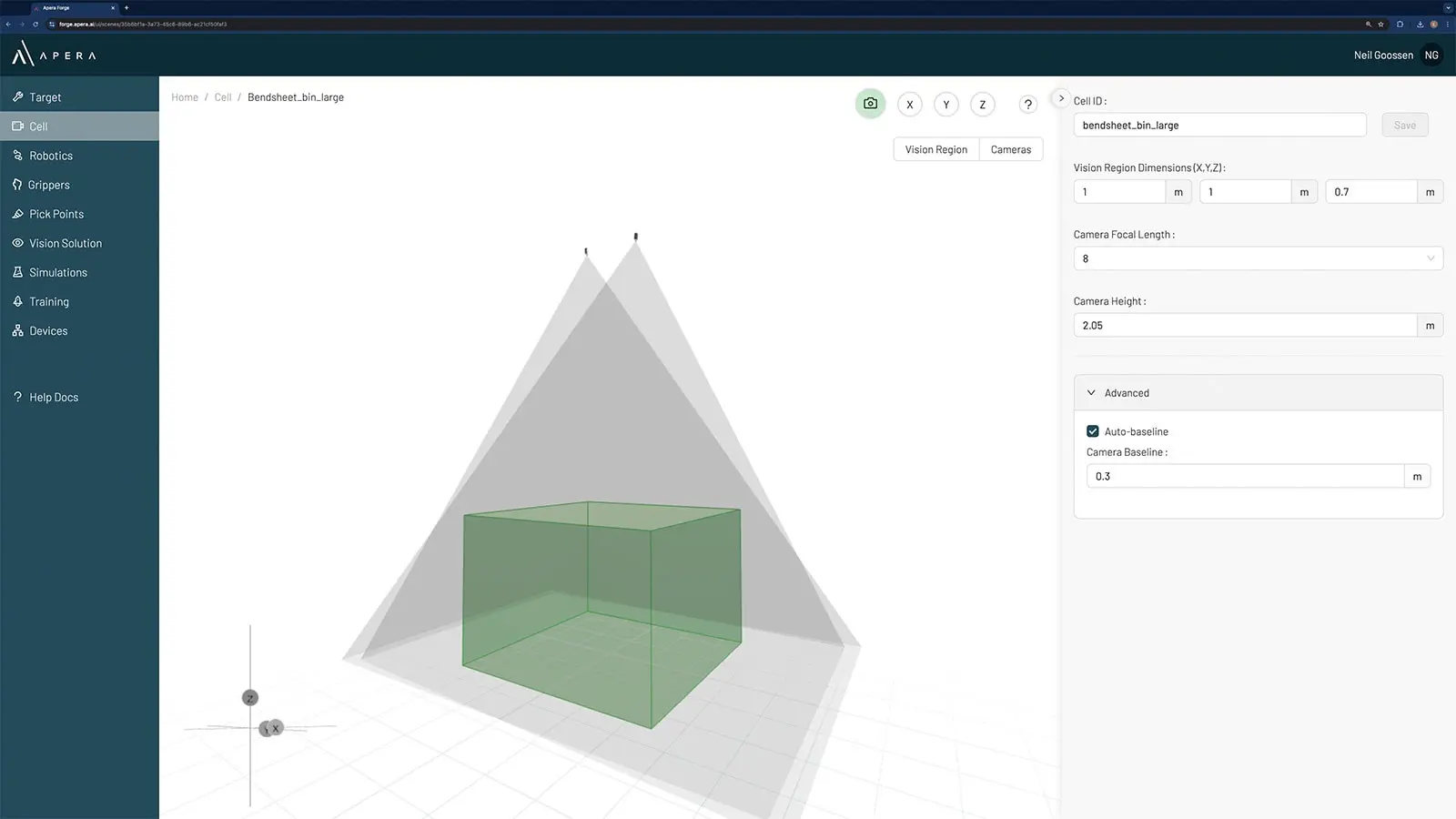
The Cell module is where you will create the operating area of the robot and set up the cameras.
Select and place your robot
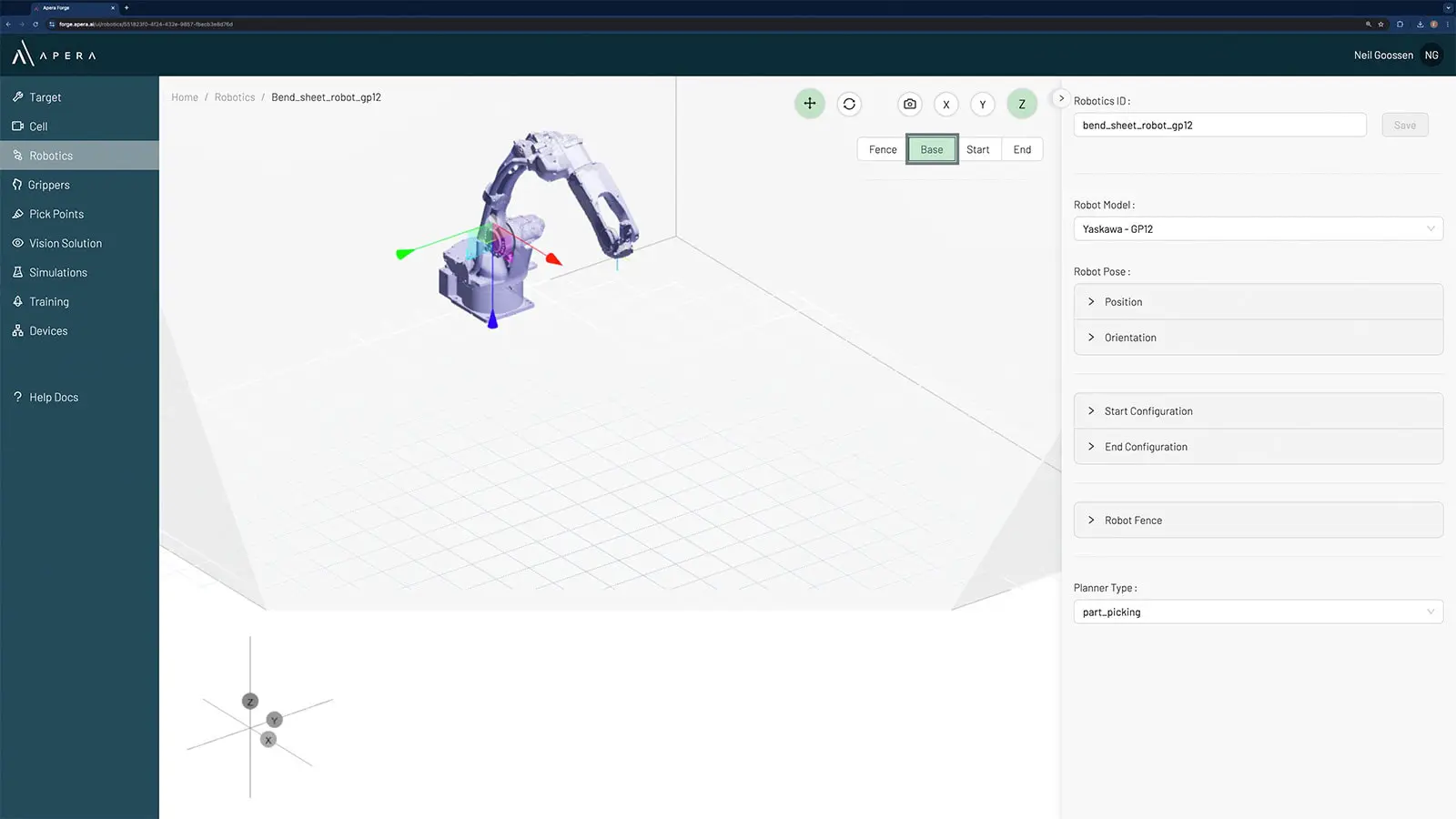
The Robotics module is where you will select and place the robot within the Cell.
Choose and set up an end-of-arm tool
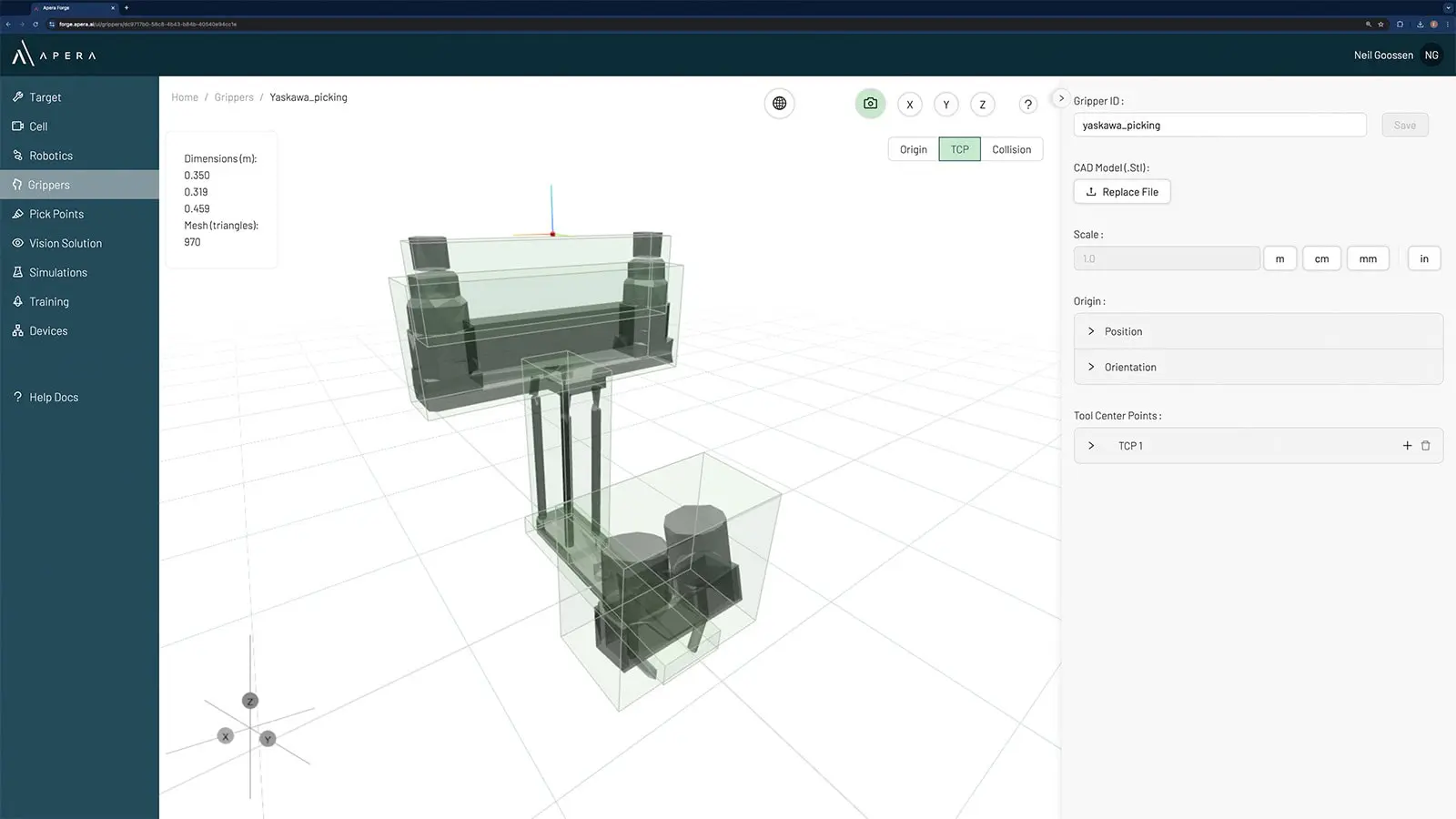
The Grippers module is where you select a gripper or upload a custom end-of-arm tool, and fit it to the robot.
Create your part's pick points
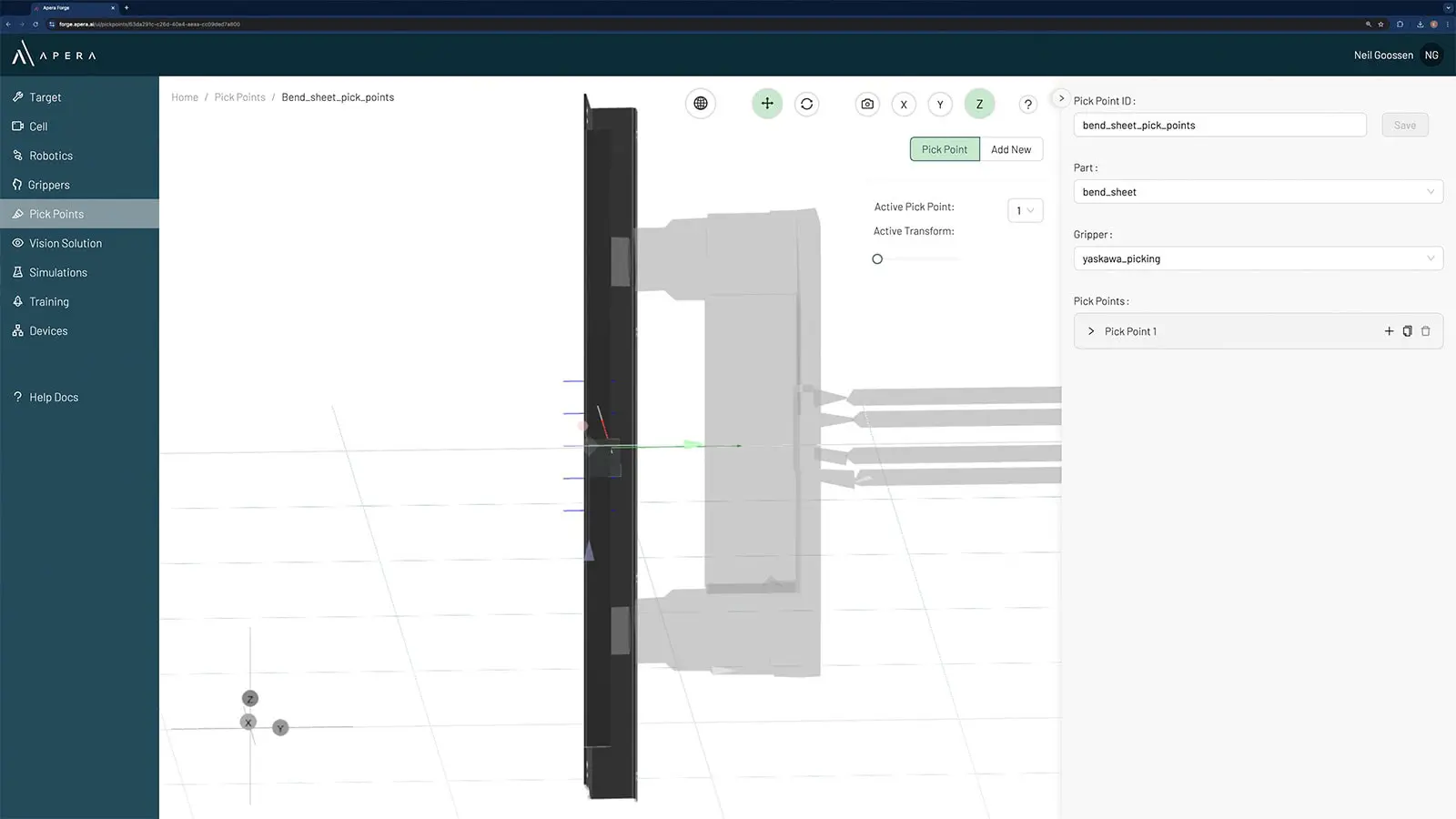
In the Pick Points module, you create pick points to handle the part. It’s possible to extend pick points across the part’s surfaces and account for the rotation of the robot.
Combine your set up
In the Vision Solutions module, you combine the part, cell, robot, gripper and pick points. At this point, you set up the Simulation process, which can be done in manual, random and structured part configurations.
Run simulations and test / improve your design
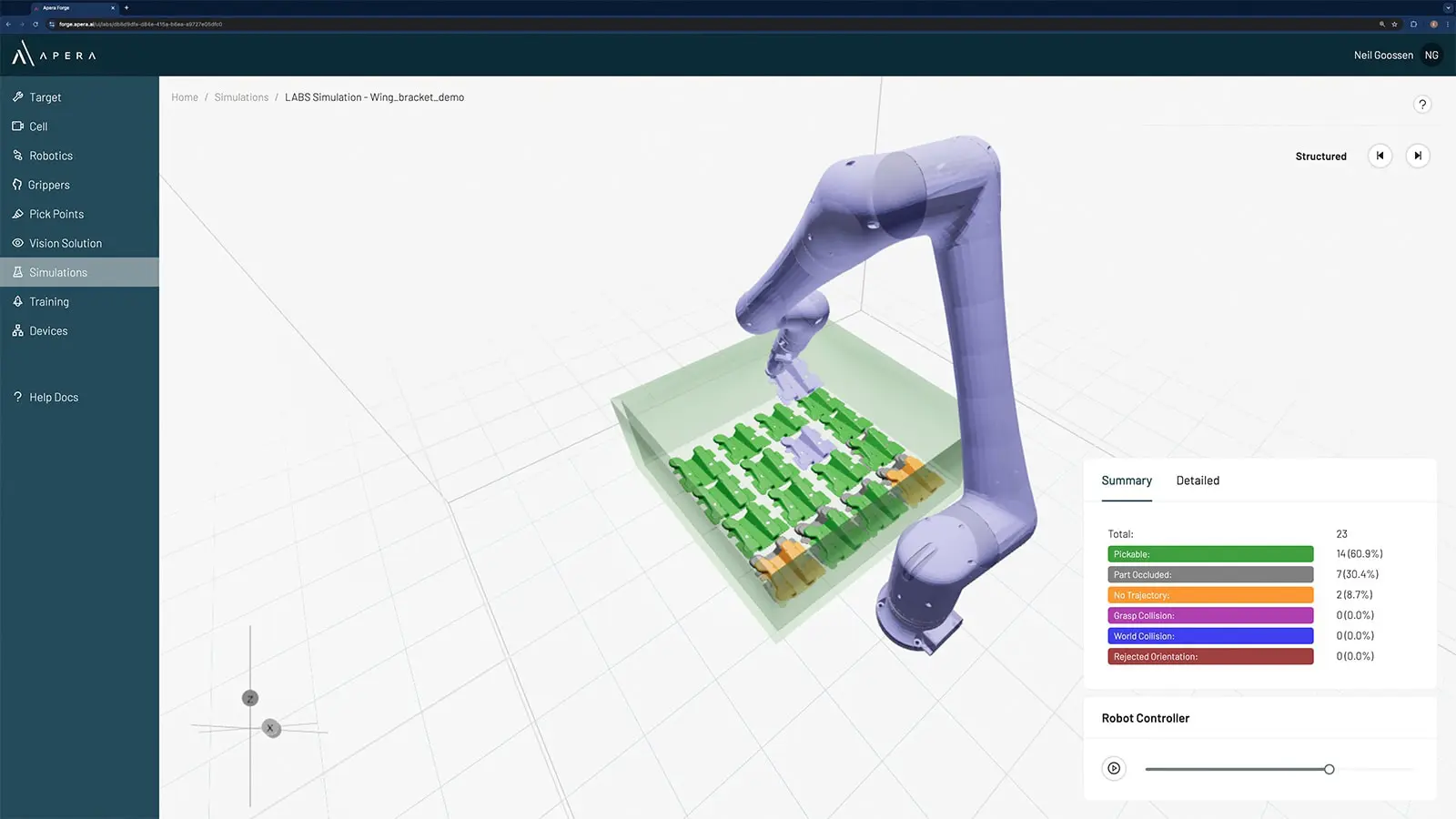
In the Simulations module, run and analyze multiple simulations. You can analyze part handling, see how the mechanical configuration interacts with the environment, and how your gripper and pick points perform.
The AI training process
Synthetic data
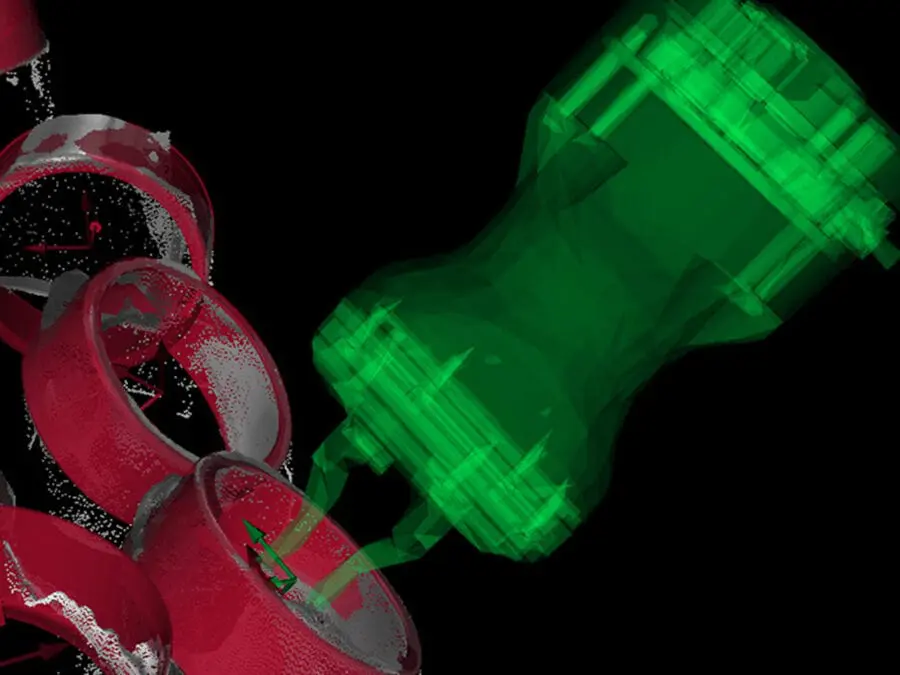
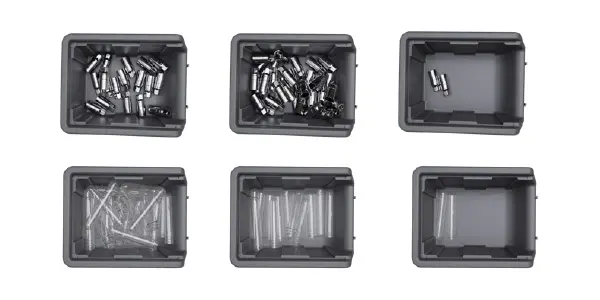
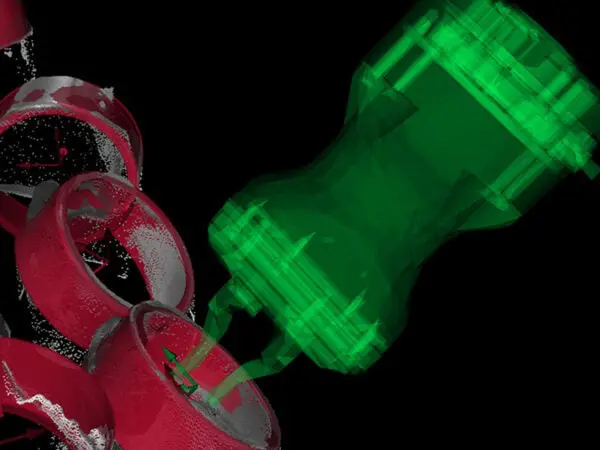
In training its neural networks, Apera AI uses synthetic data. This allows us to bypass the need for reference images or relying purely on CAD models. Synthetic data allows us to improve the AI process and introduce variables such as lighting, finish, texture, and labels or markings.
Get in touch
Start your Apera Forge journey today
Forge is available now to Apera AI customers and partners. Simply contact us at the bottom of this page and we will create a Forge user account for you.
If you’re not currently an Apera customer, Forge is a great place to get started. Contact us and we’ll reach out to talk about your automation goals and how Forge can support them.
Only Apera Can